The AI book scannerthat identifies any book.
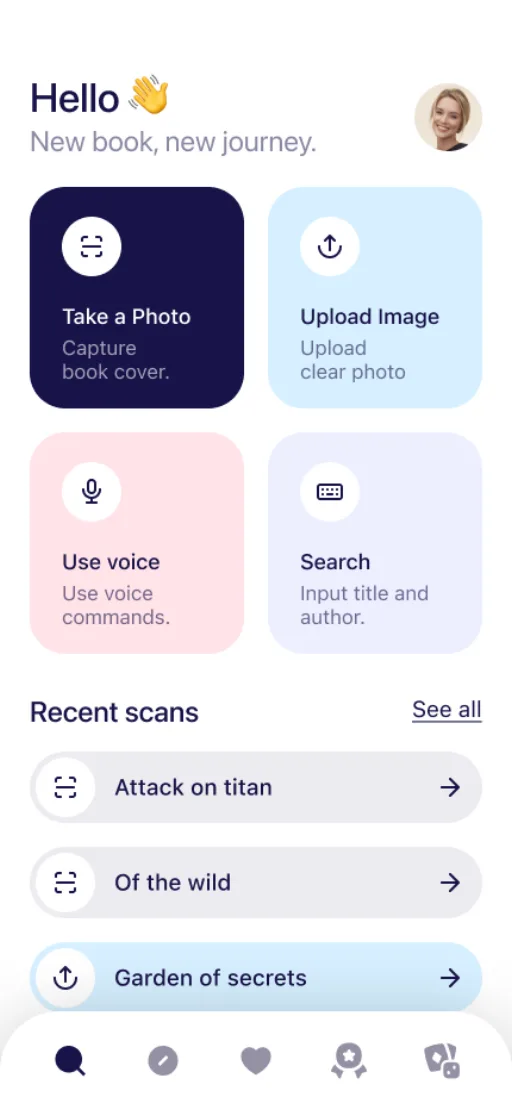
Snap a cover, scan a barcode, or speak the title. Find Book turns any spine, any cover, any whisper into a perfectly catalogued read.

From a glance to your library.
Find Book does the boring part, so you can get back to reading.
- 01
Capture or speak
Aim your camera at any cover, scan the barcode, or simply say the title out loud.
- 02
AI identifies the book
On-device Vision OCR extracts the words, then AI cross-checks Google Books and OpenLibrary to enrich every detail.
- 03
Sync everywhere
Your library syncs across iPhone, iPad, Mac and Apple Vision Pro.
However you find a book, we find it back.
Camera, barcode, ISBN, or voice. Pick whichever feels natural in the moment.
Camera scan
On-device text recognition reads the cover, then AI fills in the title, author, edition and ISBN.
FINDBOOK
The Library
at Night
Matias Enard · 2010
- Real-time OCR on cover, spine, and title pages.
- Works offline. No upload required.
- Images stay on device by default.
Camera scan
On-device text recognition reads the cover, then AI fills in the title, author, edition and ISBN.
Barcode
Point at the back cover. Real-time barcode detection identifies the edition the moment it's in frame.
ISBN lookup
Type a number, get the book. Backed by Google Books and OpenLibrary for global coverage.
Voice search
Hands full? Just say what you remember. AI fills in the gaps even with partial titles.
More than a scanner.
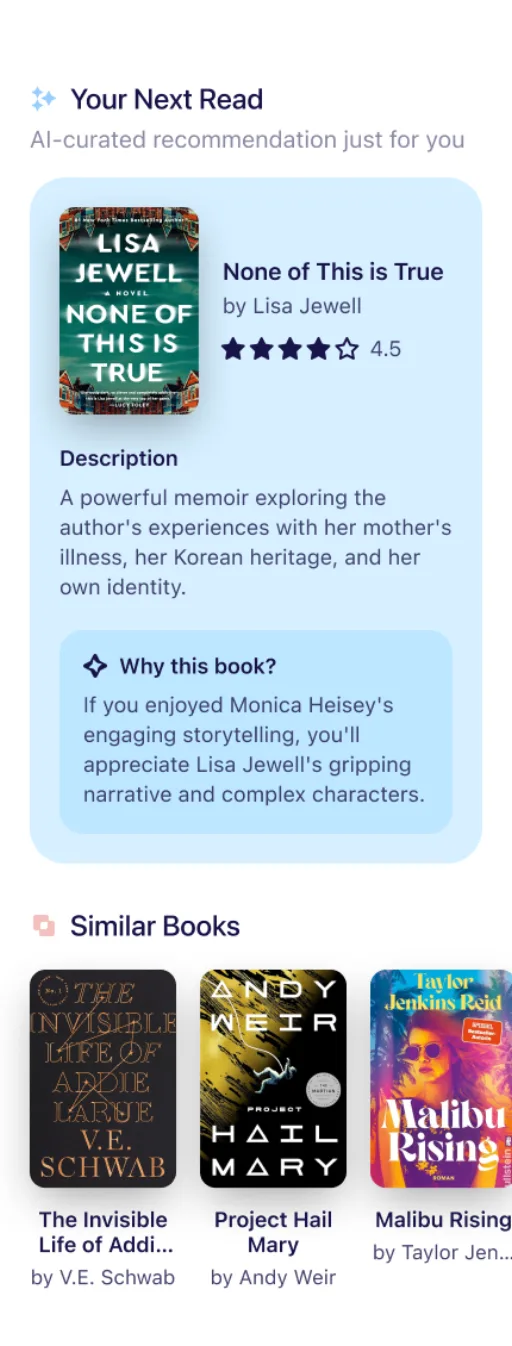
Find Book learns what you read so it can suggest what to read next.
Personalized recommendations
Curated next-reads based on your library, mood, and recent ratings.
Monthly Top Lists
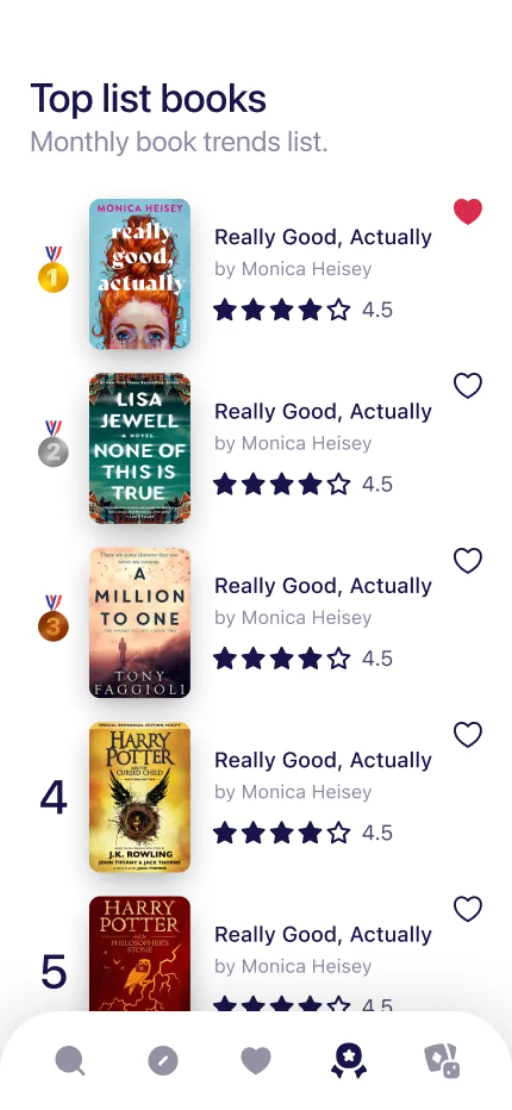
Discover what's trending with a Firestore-backed list refreshed every month.
Quiz mini-game
Test how well you know your shelves. AI-generated questions, three difficulty modes.
iCloud library
CloudKit keeps every scan, favorite, and history entry perfectly in sync across all your devices.
Reading history
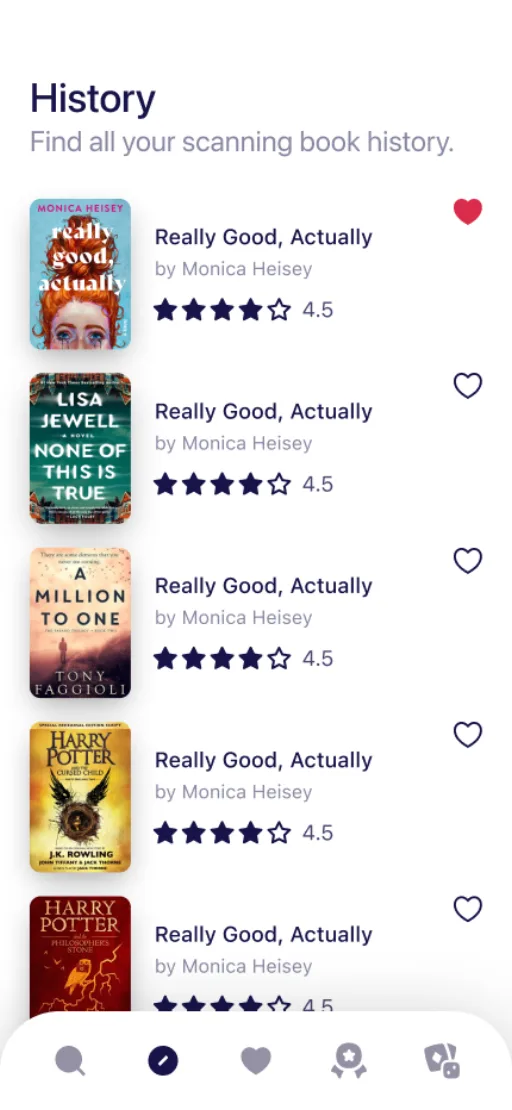
Every scan, every quiz, every recommendation, saved with a beautiful timeline view.
Offline library
Your library is stored on your device, so you can browse it with no signal. Identifying a new book needs a connection.
Native on iPhone, iPad, Mac and Vision Pro.
Tuned for the gestures, glances, and immersion that make each device feel uniquely yours.

iPhone
The fastest way to scan a cover on the go.

iPad
A bookshelf-sized canvas for browsing your collection.

Mac
Full-window library, designed for the menu bar and keyboard.

Vision Pro
spatialYour library in a large window you can place anywhere.
Start free. Subscribe when you need more.
New accounts get 5 free credits. A cover scan costs half a credit, and barcode lookups are free.
Free
- 5 free credits to start
- Free ISBN barcode lookups
- Personal library and history
Plus
- 300 credits every month
- Recommendations, quiz and top lists
- Sync across your devices
Pro
- 600 credits every month
- Everything in Plus
- The highest usage limits
Credit packs from $1.99 for 150 credits. Prices in USD; the App Store shows your local price. Subscriptions renew automatically unless cancelled at least 24 hours before the period ends.
Your reading life stays yours.
What Find Book collects is declared in Apple's privacy manifest and on its App Store privacy label.
On-device text recognition
Cover text is read on your device first. Identifying the book then uses an AI service, which receives that text and, when needed, the photo.
No ads
There is no ad SDK and no ad network in the app.
GDPR data export
Export or delete every record we hold about you, anytime, from inside the app.
Questions about scanning books
How do I identify a book from its cover?
Open Find Book, point the camera at the cover, spine or title page and take the photo. The app reads the text and AI returns the title, author, publisher, year and ISBN.
Can it scan a book that has no barcode?
Yes. That is what the AI book scanner is for: old paperbacks, damaged jackets and editions printed before barcodes existed.
Is there an ISBN barcode scanner?
Yes. Scan the barcode on the back cover and the book is looked up by its ISBN. Barcode lookups do not use credits.
Is Find Book free?
Downloading is free and new accounts get 5 credits. A cover scan costs half a credit. Plus and Pro subscriptions add a monthly credit allowance.
Which devices does it work on?
iPhone, iPad, Mac and Apple Vision Pro. With a subscription your library syncs between them.
Can I organize my home library with it?
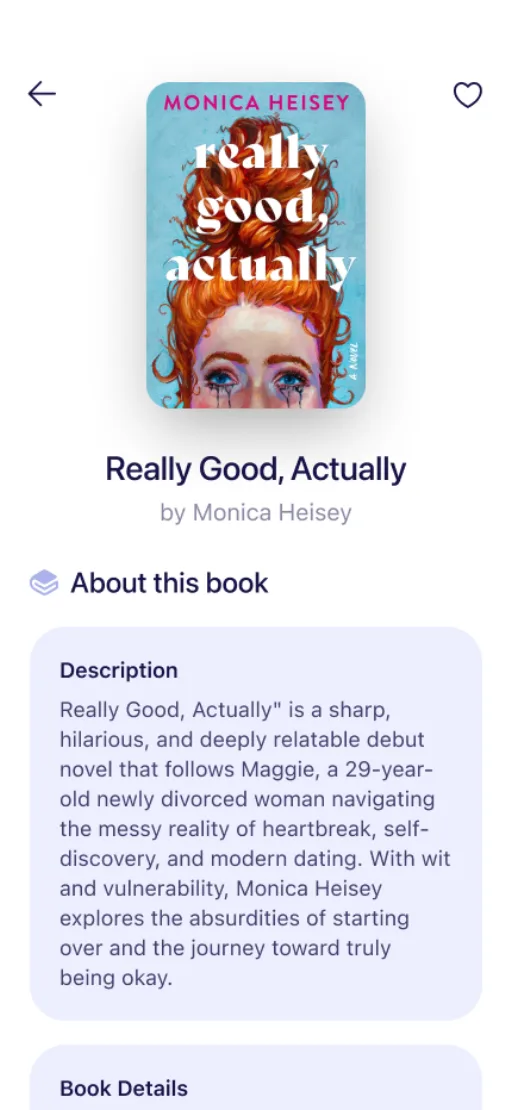
Yes. Every book you identify can be saved to your bookshelf with favorites and history, so it also works as a book tracker and catalog.
Your library, finally organized.
Free to download. Works the moment you point your camera.